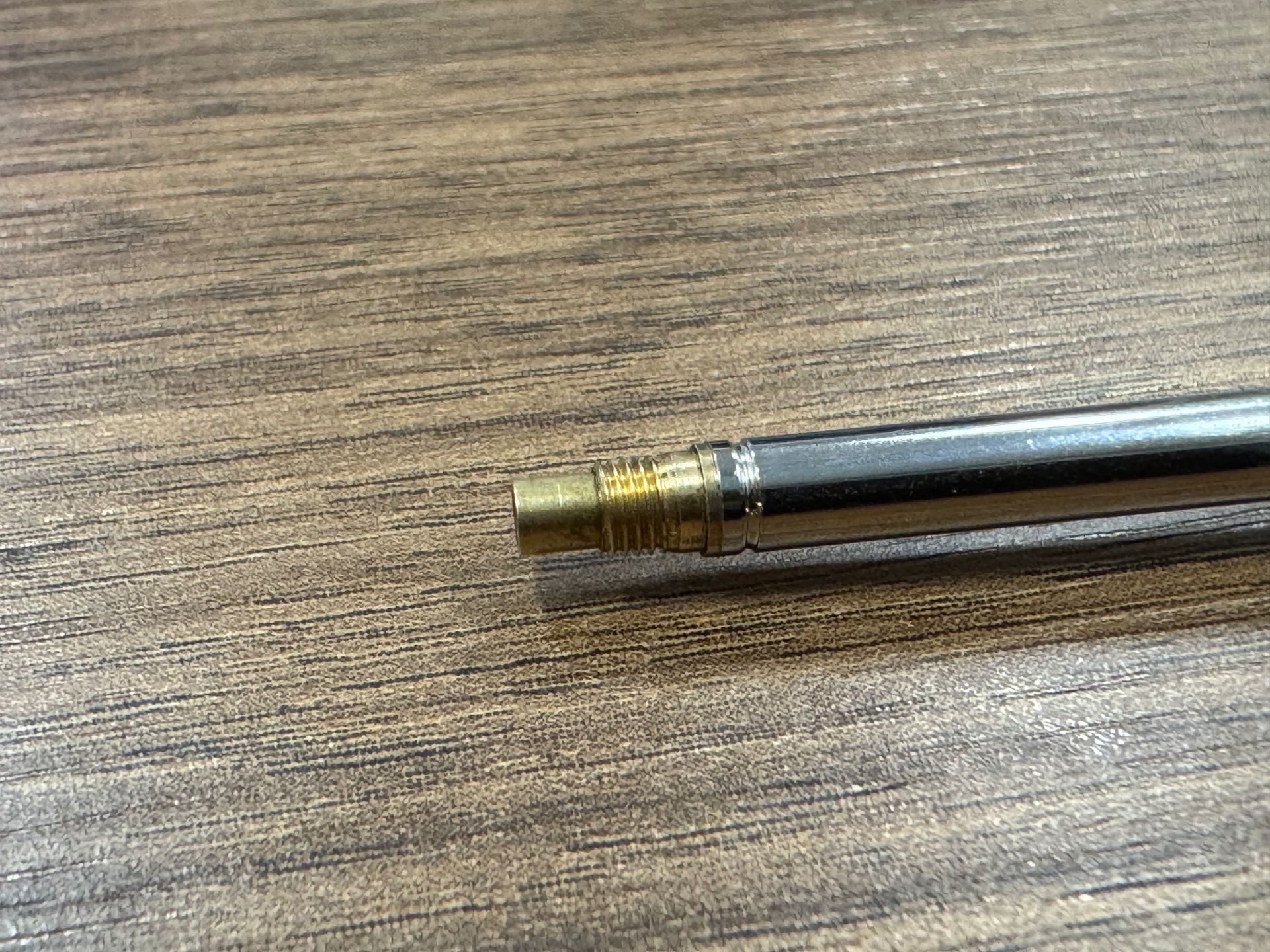
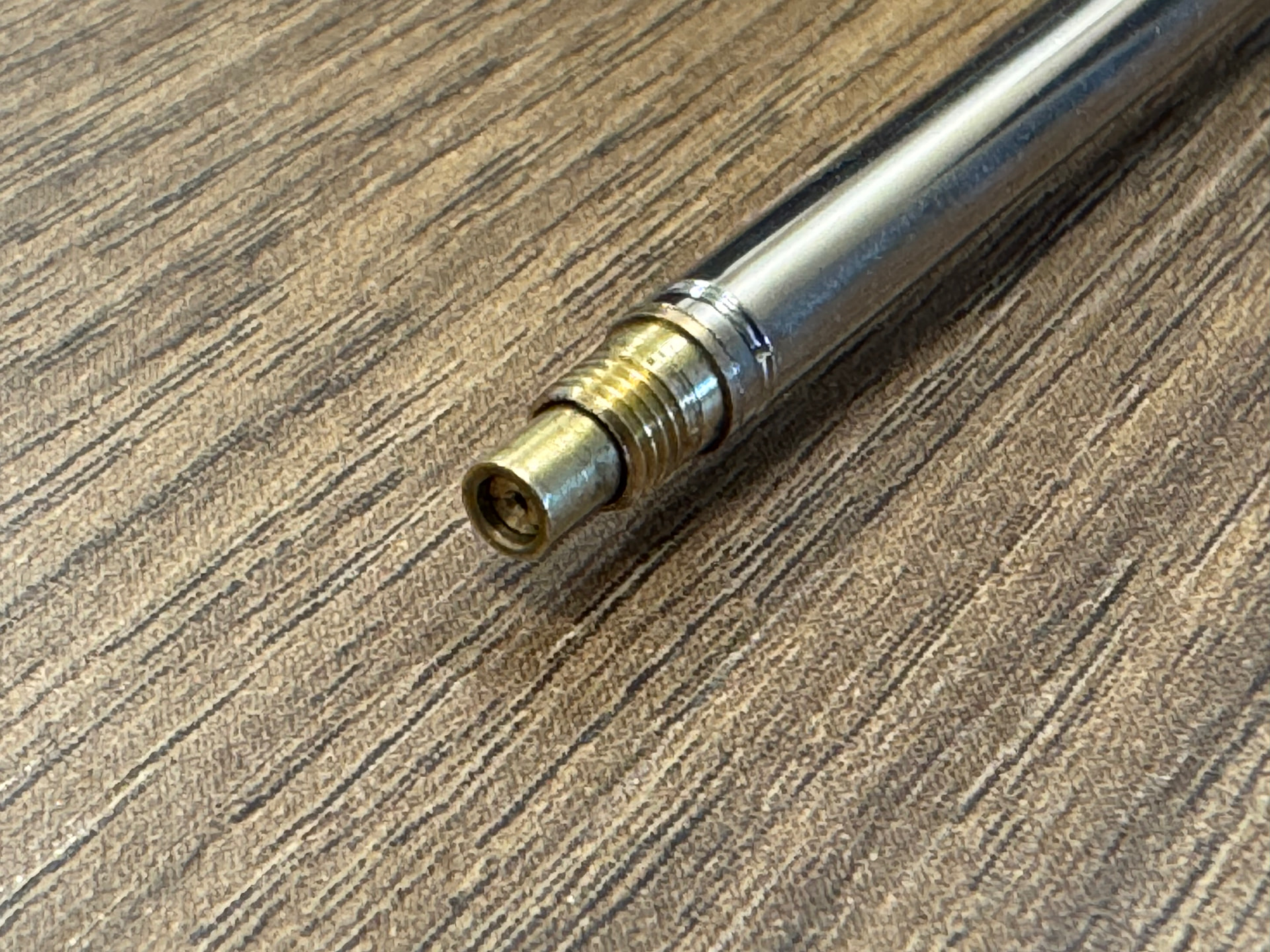
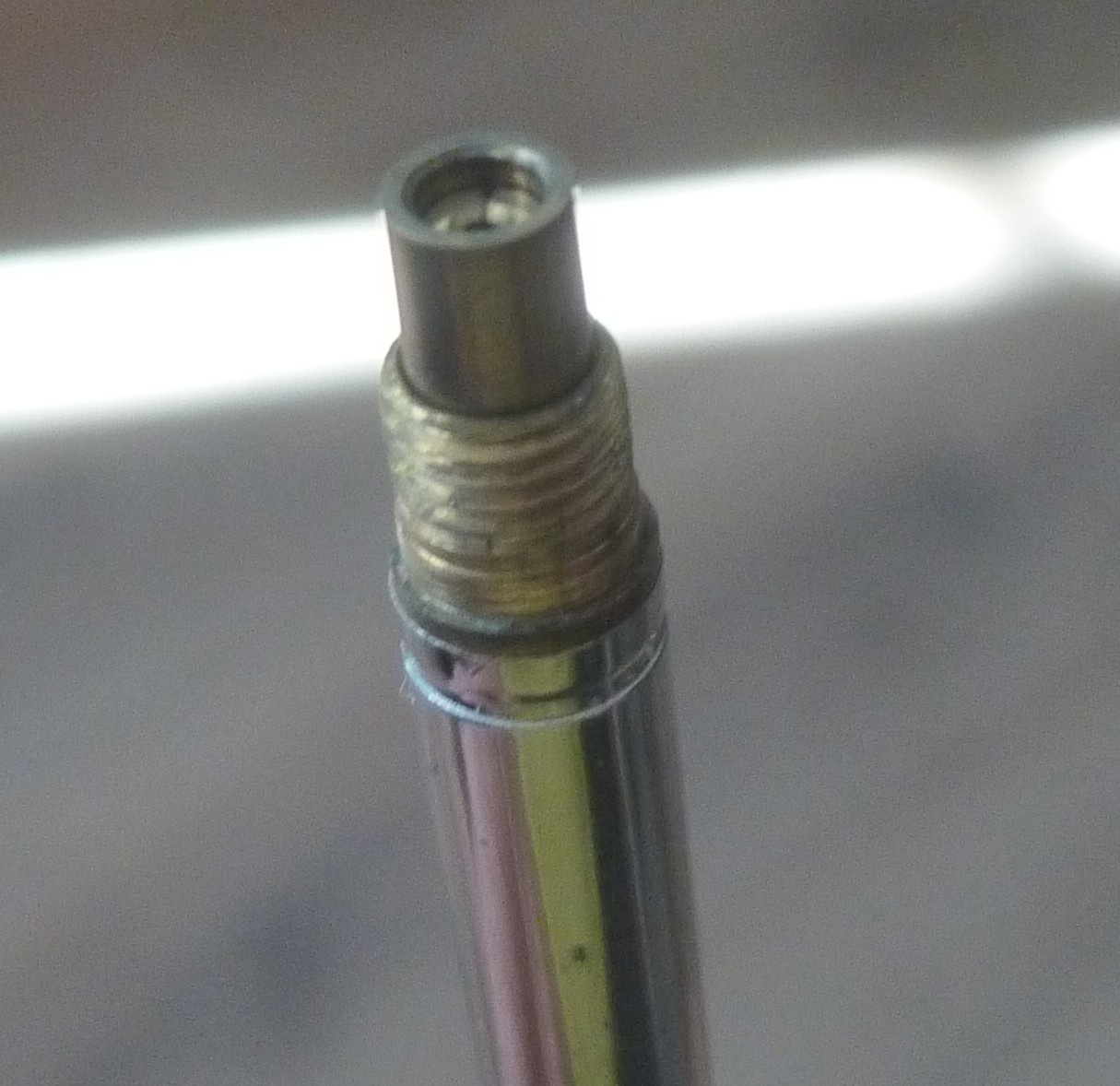
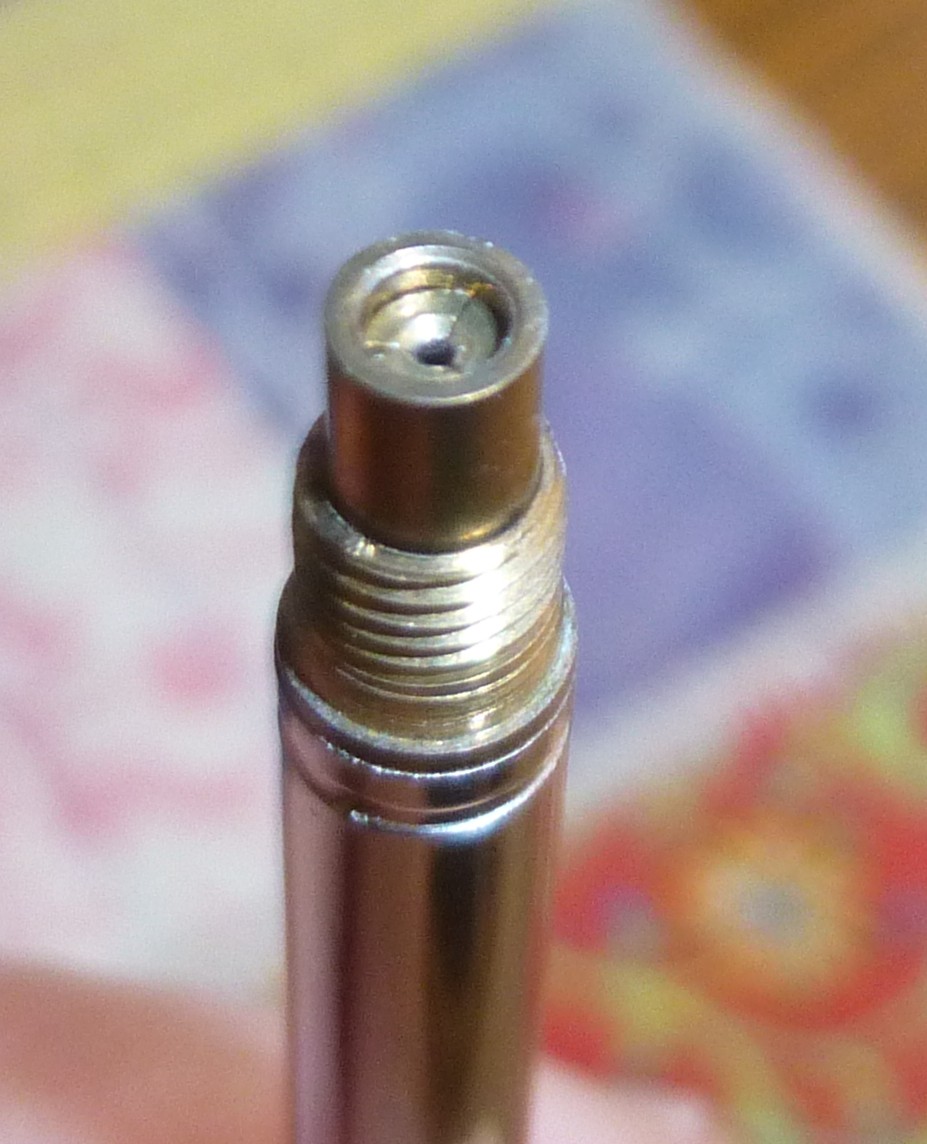
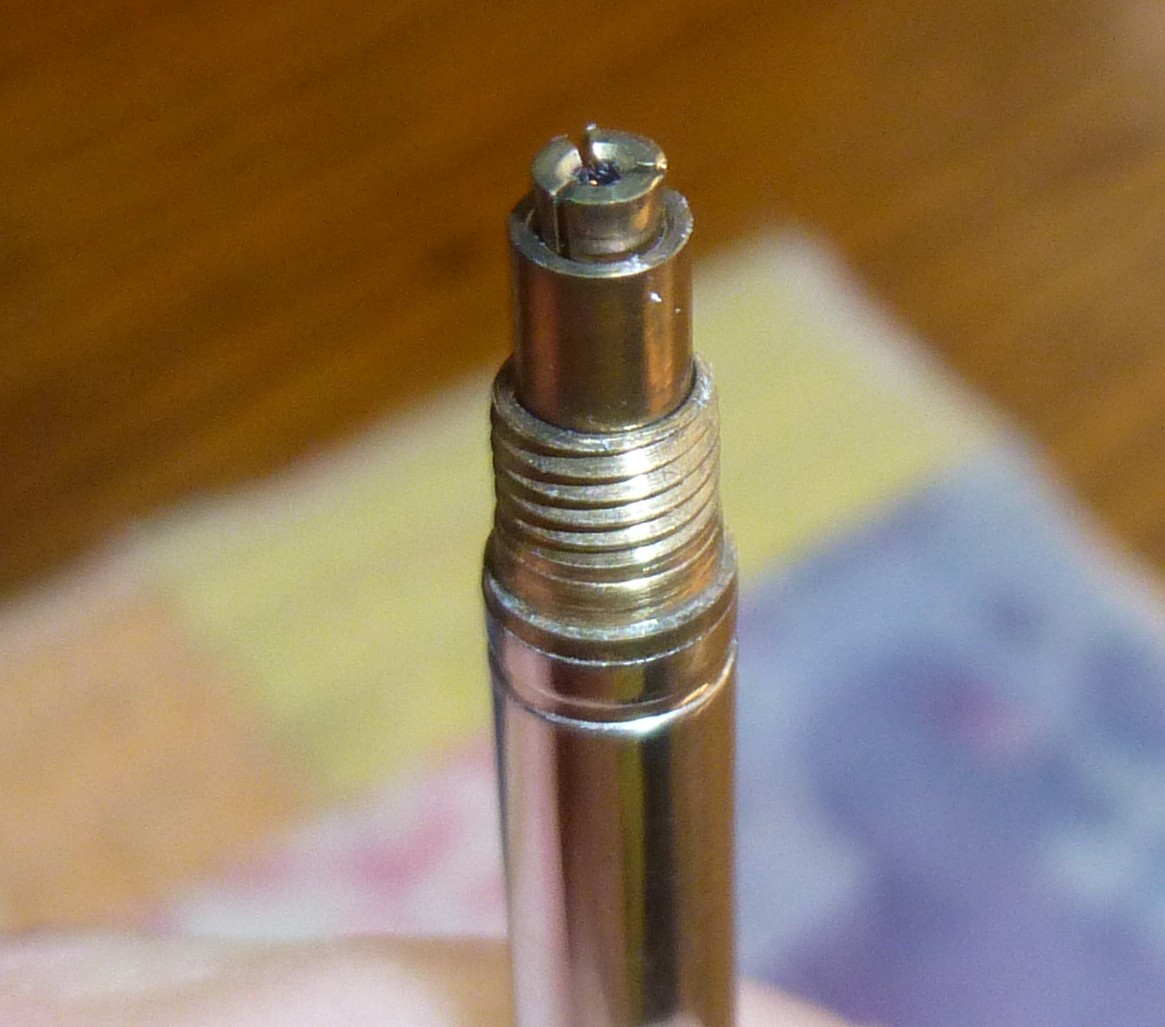
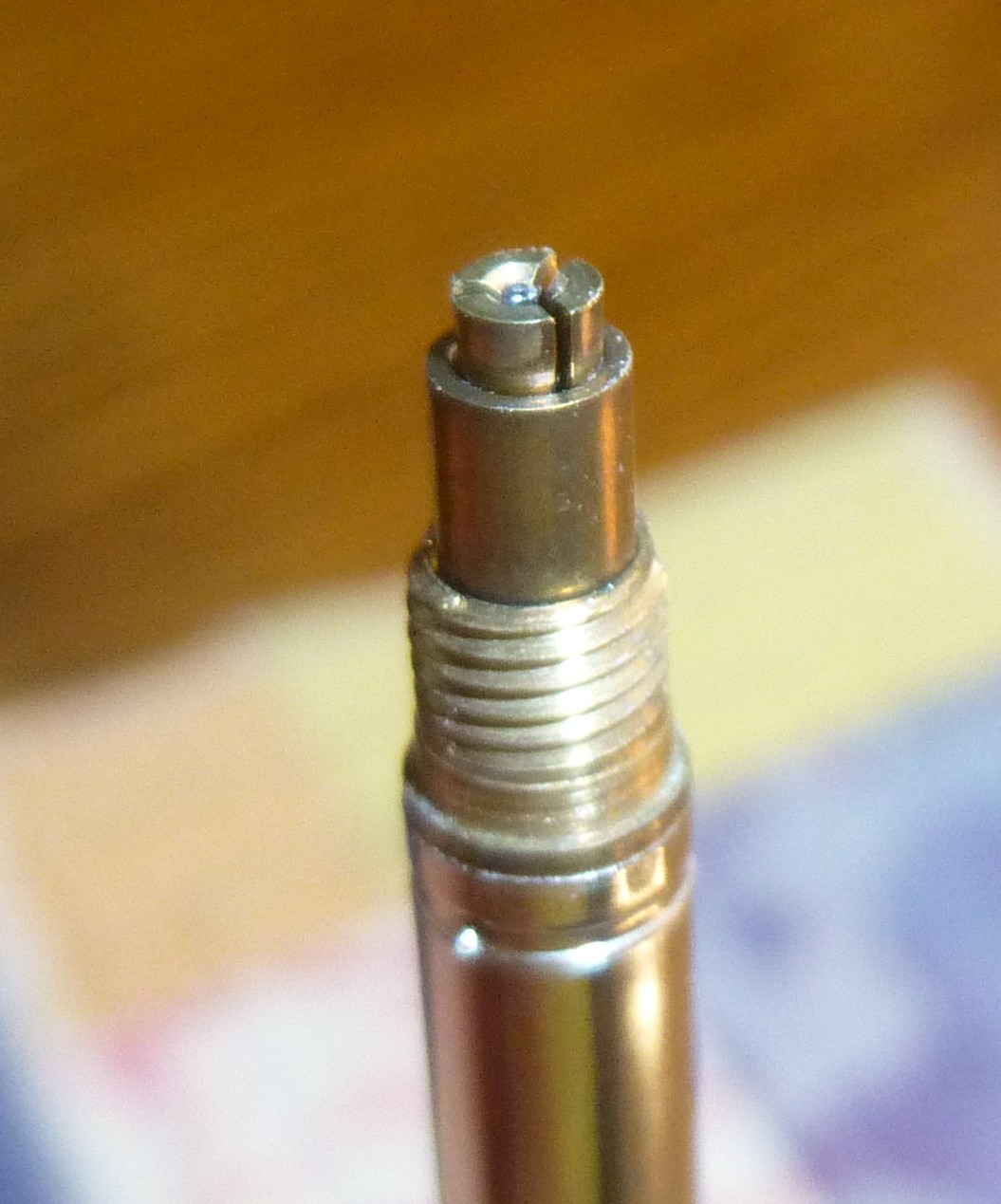
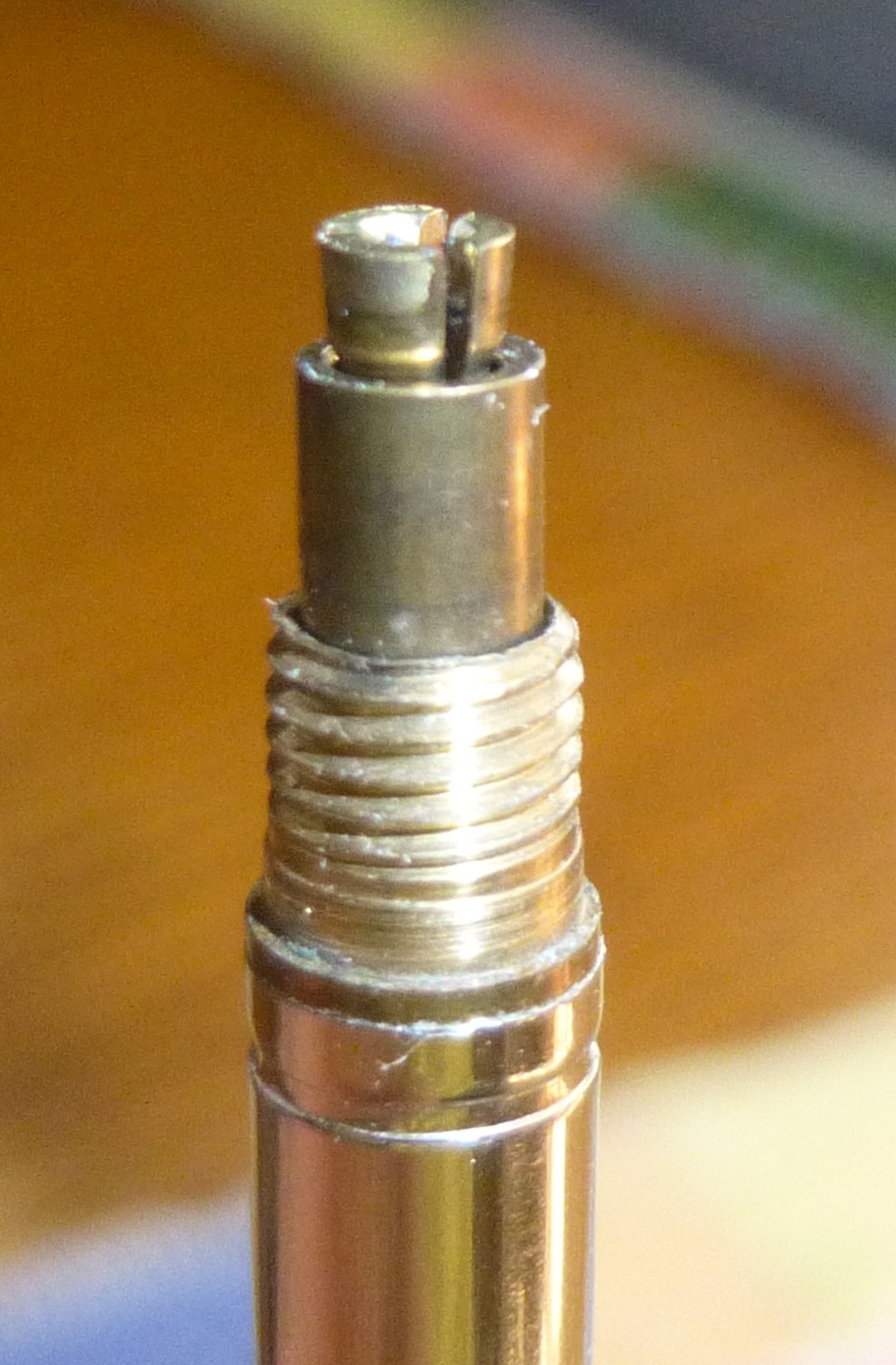
I got a PSD5 in the mail today and unfortunately it does not advance lead. It seems like the clutch isn’t opening when knocked. The lead just stays up in the lead tube, and I cannot insert lead through the front even after clearing out the tip and ensuring it’s not bent.
Any advice on easy fixes for this? Is there some way to clean the clutch to make sure it’s not just gunked up? Seller has offered a refund so may go that route but it was a really great deal on a grail item and was functional days ago so I’m hoping there may be a case of user error or an easy fix. Any help is much appreciated!
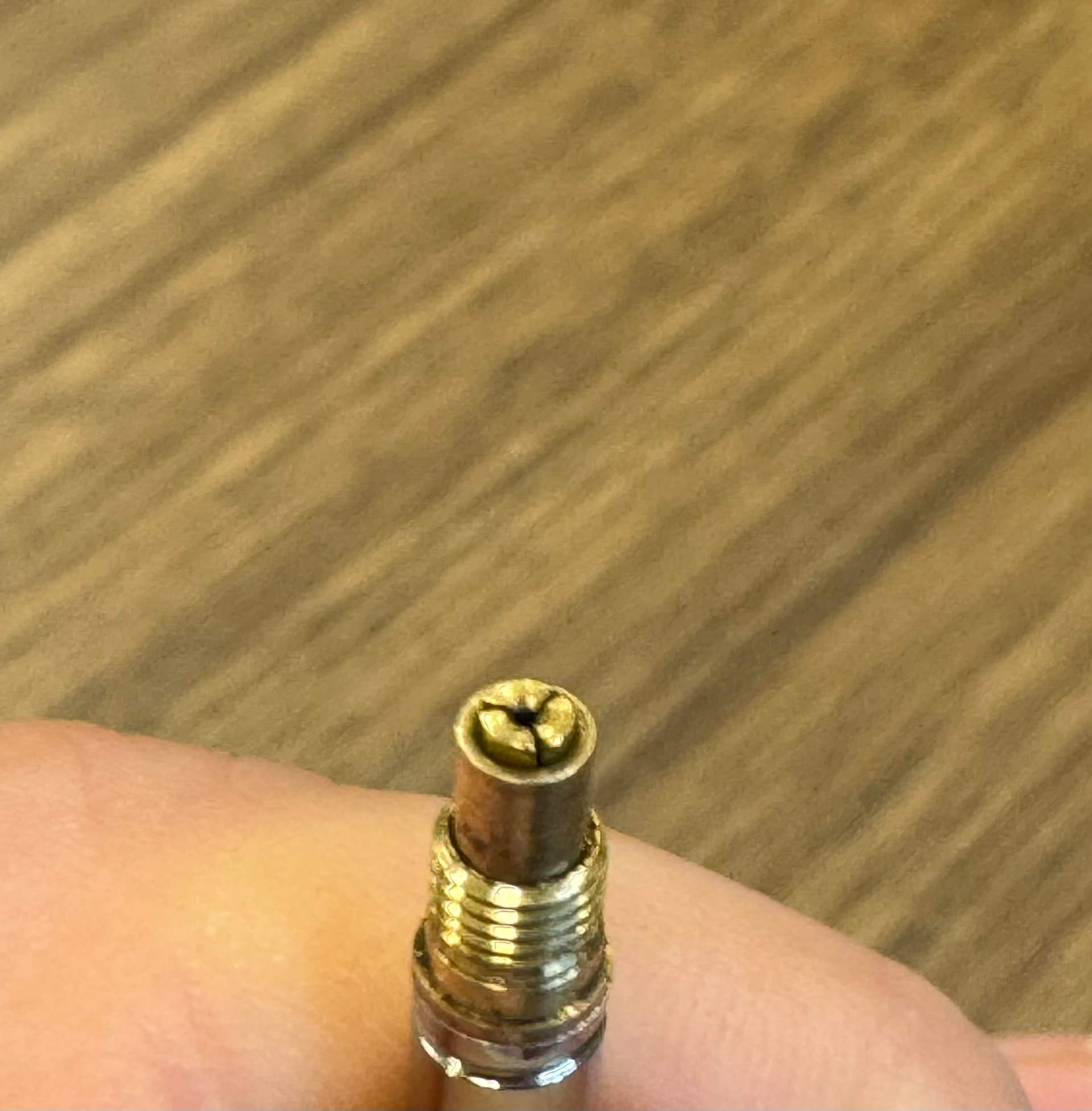
Sounds like there’s a small piece of lead jammed in between the individual clutch fingers. Try to find a nice metal jam rod/ cleaning pin in another pencil and take the tip off, press the knock button and use your finger to slide the ring back so the clutch opens, then use the rod to try and clean it out.
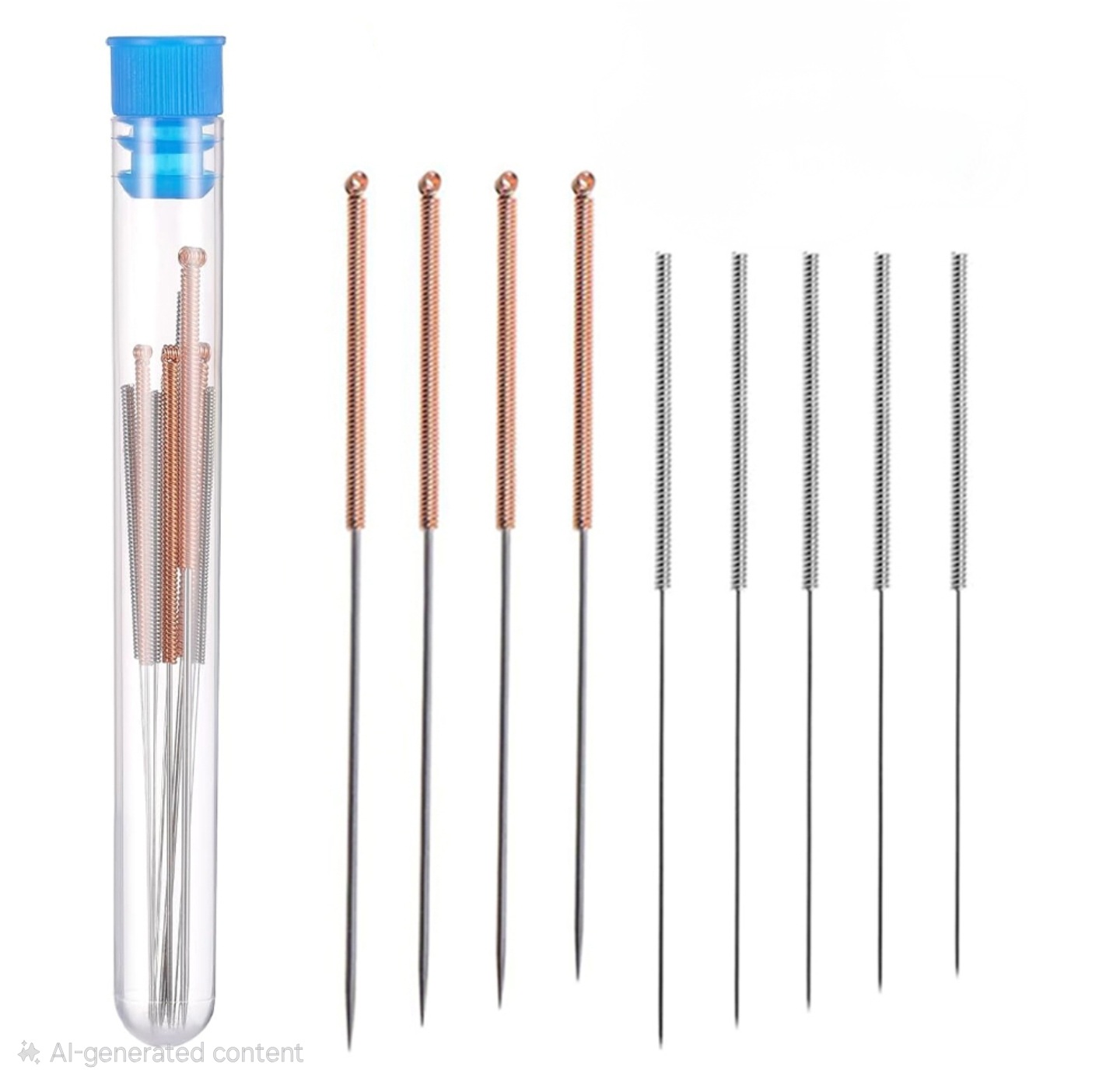
To second that advice, I recommend buying a cheap set of 3d printer nozzle cleaning rods. I found a set for less than $10 that have small needle-like rods of various diameters that are perfect for clearing out clogged clutches.
Another possibility to consider is a slight bend in the lead tube causing binding, etc. You can check for this by unscrewing the nosepiece section and roll it across a flat surface (easier done by removing the knurled grip section first to expose the smaller tip area).
It will be obvious if there is a bend in the small exit tube. You can straighten it by carefully and gradually bending the ever so slightest amount in the opposite direction, check by rolling, and repeat.
With any luck it will something simpler that was mentioned above…
It looks like the ring around the jaws is sticking further out than other images I’ve seen on the forum, maybe something is blocking the ring from seating?
From your last picture it doesn’t appear the jaws are releasing completely if that was taken with the lead advance button fully depressed. Like Allen notes - hard to diagnose via just pictures. With any luck it will be something you can clear out of the lead pathway…
Hard to describe exactly what’s going on due to the opaque body and non-removable mechanism, but there must be some kind of threading in the internal mechanism that either holds both parts of the mechanism together, or seats the whole thing in the pencil body. After messing with this pencil for a long time, I noticed the internal mechanism only rotates so far in each direction when holding the pencil body in one hand, and the eraser end of the mechanism in the other. I rotated it all the way to each end and found that the jaws extend normally when the internal mechanism is all the way rotated and seated in one direction.
As of now the pencil works properly if I load a piece of lead into the tip, but I still cannot get lead to feed from the lead tube into the clutch, but I am optimistic I will be able to resolve this by running a guitar string back and forth through the clutch all the way through the lead tube.
Great news we are 100% functional. Fixed the issue with the lead not feeding into the clutch by cleaning out the lead tube with a pipe cleaner. Thanks all for the help!